
Email signatures

Why they matter and how to create a professional one
In today’s digital world, every small detail of your business branding can make a real difference. One of the most important details many businesses overlook is the email signature. A professional signature does more than display your contact details. It strengthens your brand and conveys professionalism and credibility.
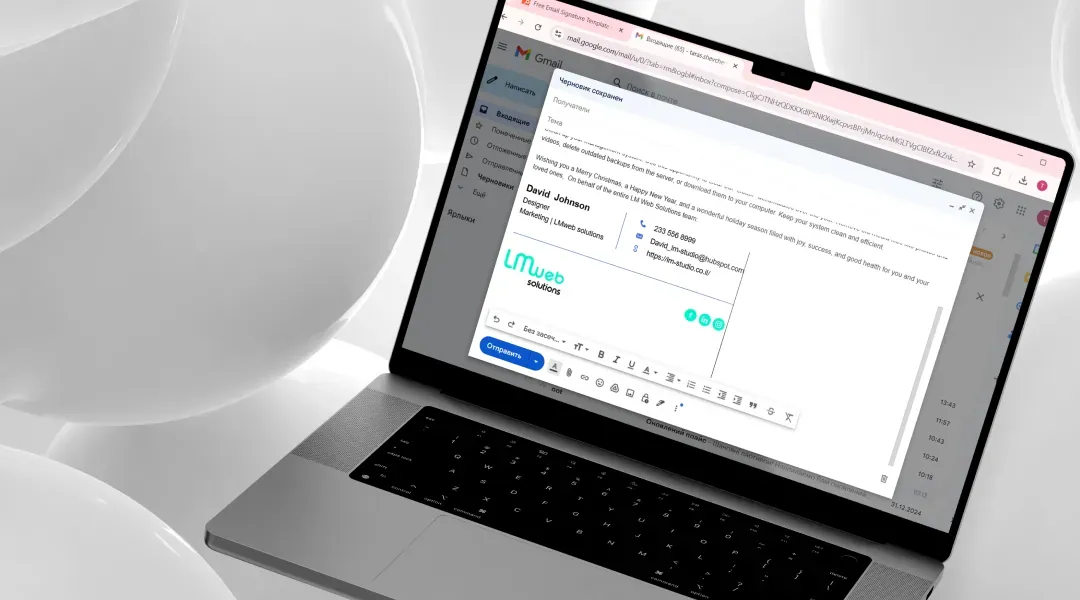
Why does an email signature matter?
An email signature is much more than a line of text at the bottom of a message. Here are a few reasons it is essential:
- Personal and business branding
Your signature is an opportunity to present your logo, colors and brand message in a professional, consistent way. - Easy access to contact details
A signature with full contact details, such as phone, email, website and social profiles, lets recipients reach you quickly and easily. - A professional impression
A well-crafted signature signals seriousness and professionalism, which can strengthen the trust of your clients and business partners. - Indirect marketing
You can include a call to action (CTA) in your signature, such as a link to your blog, a newsletter signup or a new product or service.

Popular tools for creating email signatures
You can create a simple signature with your email client’s text editor, but dedicated tools offer more advanced options for different needs. Here are a few popular ones:
- HubSpot Email Signature Generator
A free, intuitive tool for creating professional email signatures.- Pros:
- Simple yet polished design, with the option to add a logo and social media links.
- Signatures that work on both mobile and desktop.
- Support for marketing features such as calls to action and custom links.
- Who is it for?
- Small businesses, freelancers and independent professionals who want a quick, professional and impressive signature.
- Pros:
- WiseStamp
An advanced business solution with broader design options, including animations and click tracking.- Suitable for larger businesses that want dynamic features in their signatures.
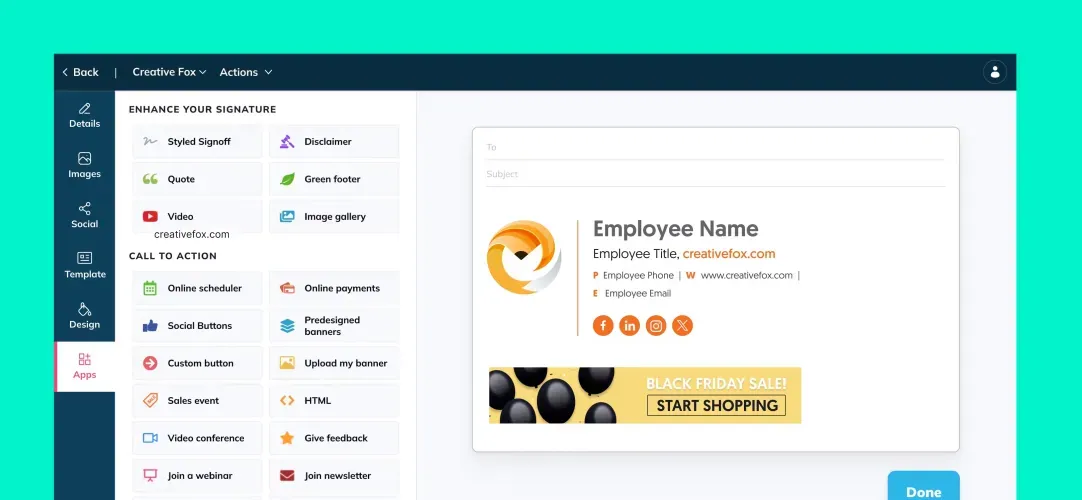
- Newoldstamp
Another tool for creating signatures for large teams, with central control over design and updates.

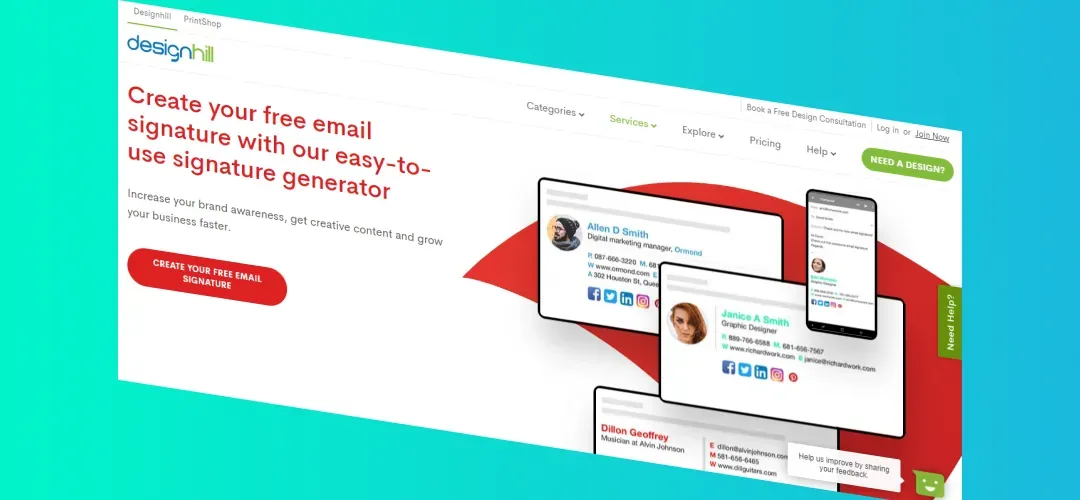
- Designhill Email Signature Generator
Offers a variety of templates for anyone looking for a simple but professional solution.
Our recommendation: HubSpot Email Signature Generator
Of the tools above, we especially recommend HubSpot Email Signature Generator for its simplicity and efficiency. It lets anyone, even without technical experience, create an impressive signature in minutes. It is also completely free and produces a professional result that works with any email platform.
How to use it
- Go to HubSpot Email Signature Generator.
- Enter your details, including name, job title, contact information and logo.
- Choose a design that fits your brand.
- Copy the code and import it into your email platform.
Tips for an effective signature
- Keep it simple: skip unnecessary information. Name, title, phone, logo and a link to your website are enough.
- Use a professional design: choose colors that match your brand and keep it easy to read.
- Add relevant links: such as your LinkedIn profile, Facebook page or a key landing page.
- Check compatibility: make sure the signature looks good on both mobile and desktop.
In summary
An email signature is a small tool with a big impact. Investing in a professional signature can strengthen your branding, improve communication with clients and boost your business visibility.
If you are looking for an easy, high-quality solution, we recommend starting with HubSpot Email Signature Generator, a free and simple tool that will make your emails look professional and on-brand.