Mega menus on websites: everything you need to know
What is a mega menu?
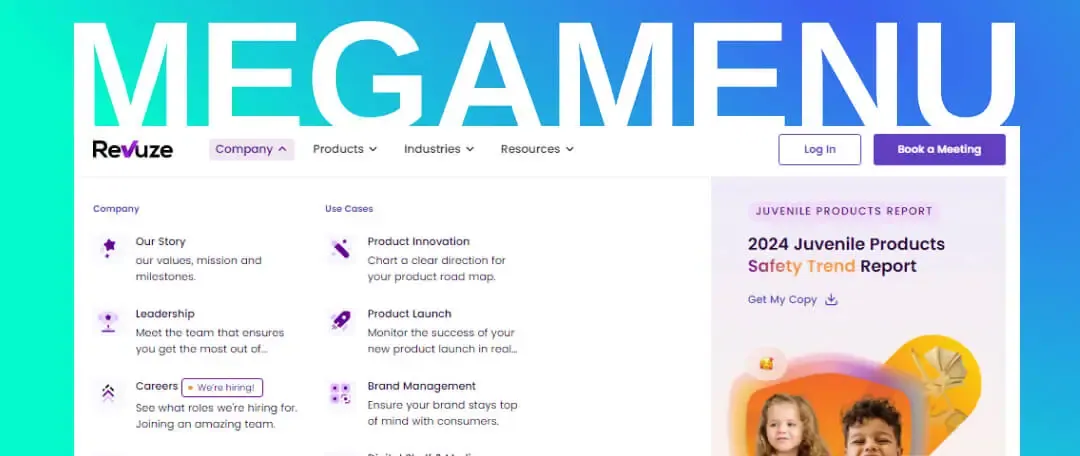
A mega menu is a website navigation component that presents a complex menu structure in a way that is easy and clear for users. Unlike traditional menus limited to a single row of links, a mega menu displays many links, categories and subcategories in a wide, accessible panel. These menus usually open when the user hovers over a top-level item and reveal a large grid of navigation options.
Why use a mega menu?
The need for a mega menu comes mainly from sites with complex content that want to help users find their way. Large sites such as online stores, content portals and news sites use mega menus to deliver a better user experience. Here are the main reasons to use one:
- Organizing information: a mega menu lets you present a lot of well-organized information in one compact, accessible place.
- User experience: a mega menu improves site navigation and makes it easier for users to find what they are looking for.
- Design and aesthetics: a mega menu can be designed in an attractive, orderly way that improves the overall look of the site.
Benefits of a mega menu
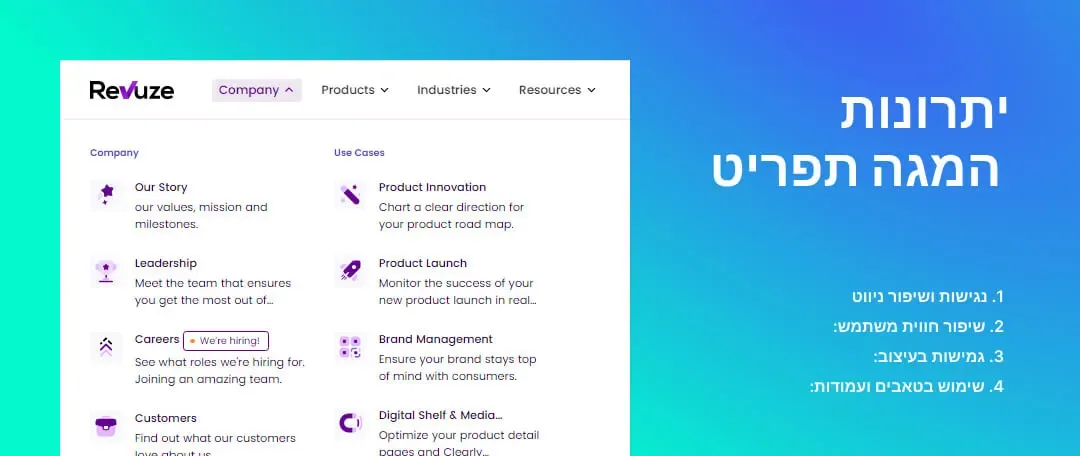
- Accessibility and better navigation: a mega menu helps users find what they need quickly and easily, without getting lost in nested, complicated menus.
- Better user experience: users can see all the options at once, which cuts down the number of clicks and makes life easier.
- Design flexibility: a mega menu can combine images, icons and text, improving both the look and the functionality of the site.
- Tabs and columns: a mega menu can be laid out like a table with columns, so topics are grouped more conveniently. You can also use tabs for navigation inside the menu itself.
Mega menu vs. a standard dropdown menu
It is important to note that a mega menu is not a standard dropdown. A standard dropdown shows a list of links in a simple drop-down panel, while a mega menu can display a much larger and more complex set of information in a wide, organized layout. A mega menu offers more flexibility and lets you combine columns, images, tabs and other content conveniently and efficiently.
Drawbacks of a mega menu
- Development complexity: building a mega menu can be complex and requires advanced development and design skills.
- Performance: heavy mega menus can affect page load times.
- Accessibility: you need to make sure the mega menu is accessible to users with disabilities as well.
What kind of websites need a mega menu?
A mega menu is especially suited to sites with a large amount of content or products, such as large online stores, news sites and big portals.
These sites need an advanced navigation tool that helps visitors find the information or products they are looking for quickly and easily.
Examples of mega menus we have built:
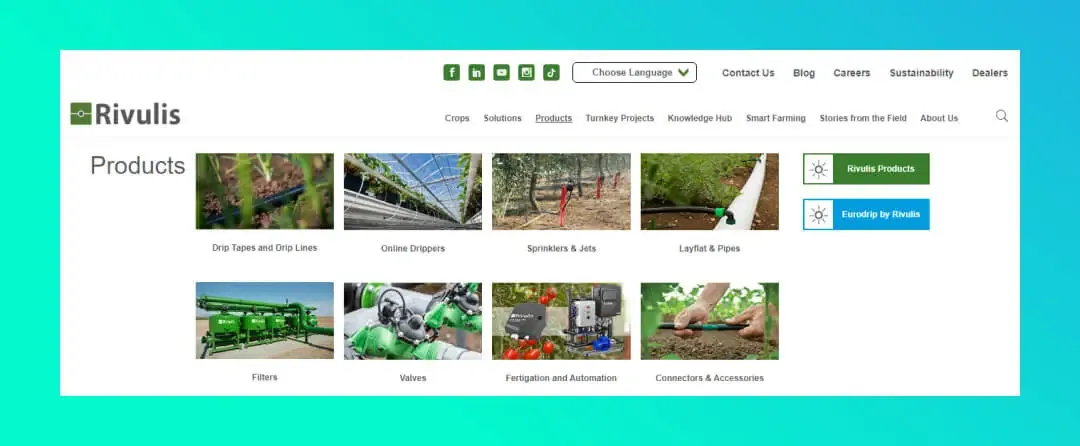
Mega menu example on the Rivulis website
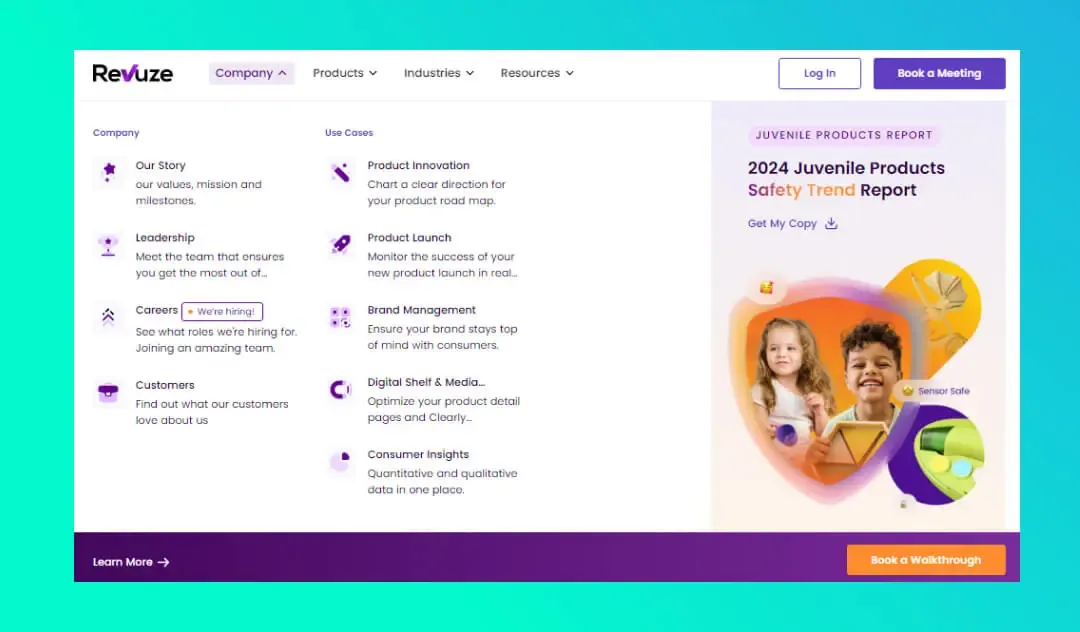
 Mega menu example on the Revuze website
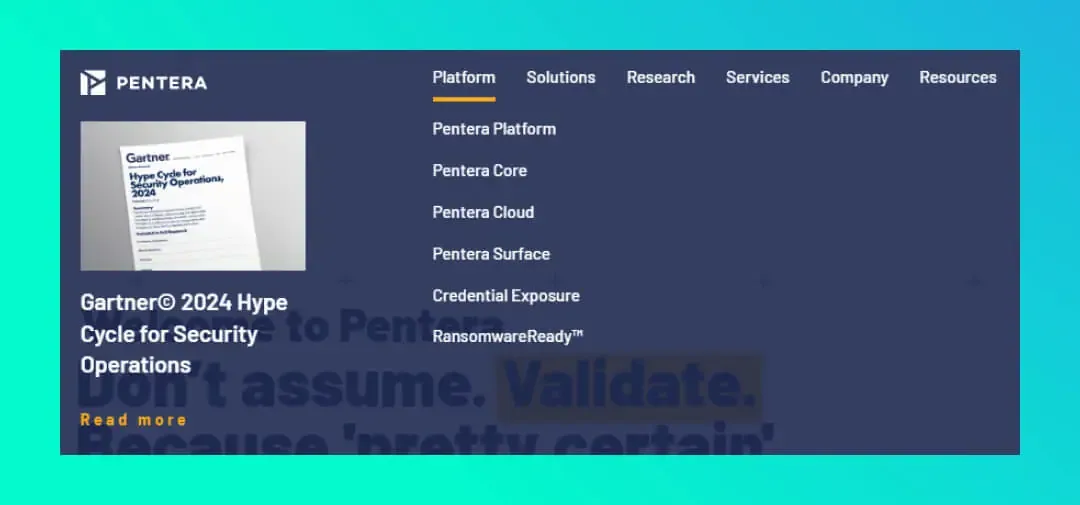
Mega menu example on the Pentera website
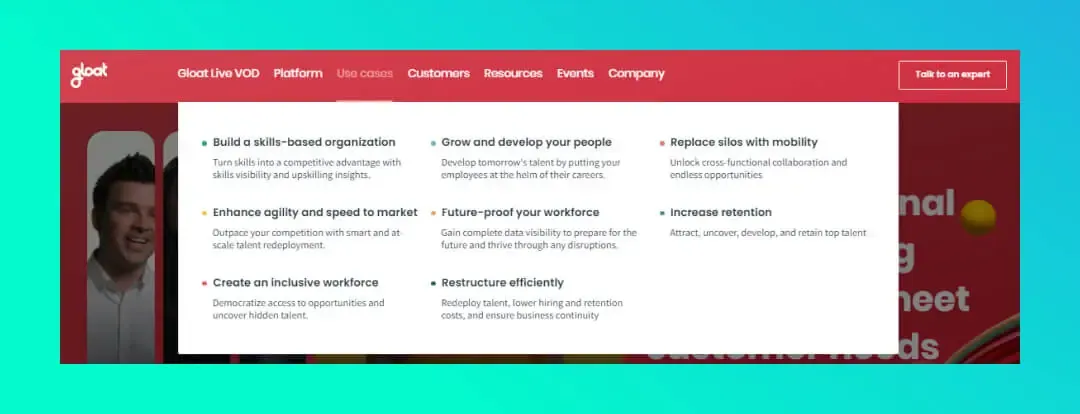
 Mega menu example on the Gloat website
Summary
A mega menu is a powerful tool that improves navigation and user experience on complex websites. It lets you present a large amount of content clearly and conveniently, using tabs and columns, but it does require an investment in design and development.
If you are considering upgrading your site with a mega menu, weigh the pros and cons and make sure the planning, design and development are done professionally.
Want to improve your site’s navigation with a custom mega menu?
Contact us and we will be happy to help at every stage.