Website accessibility
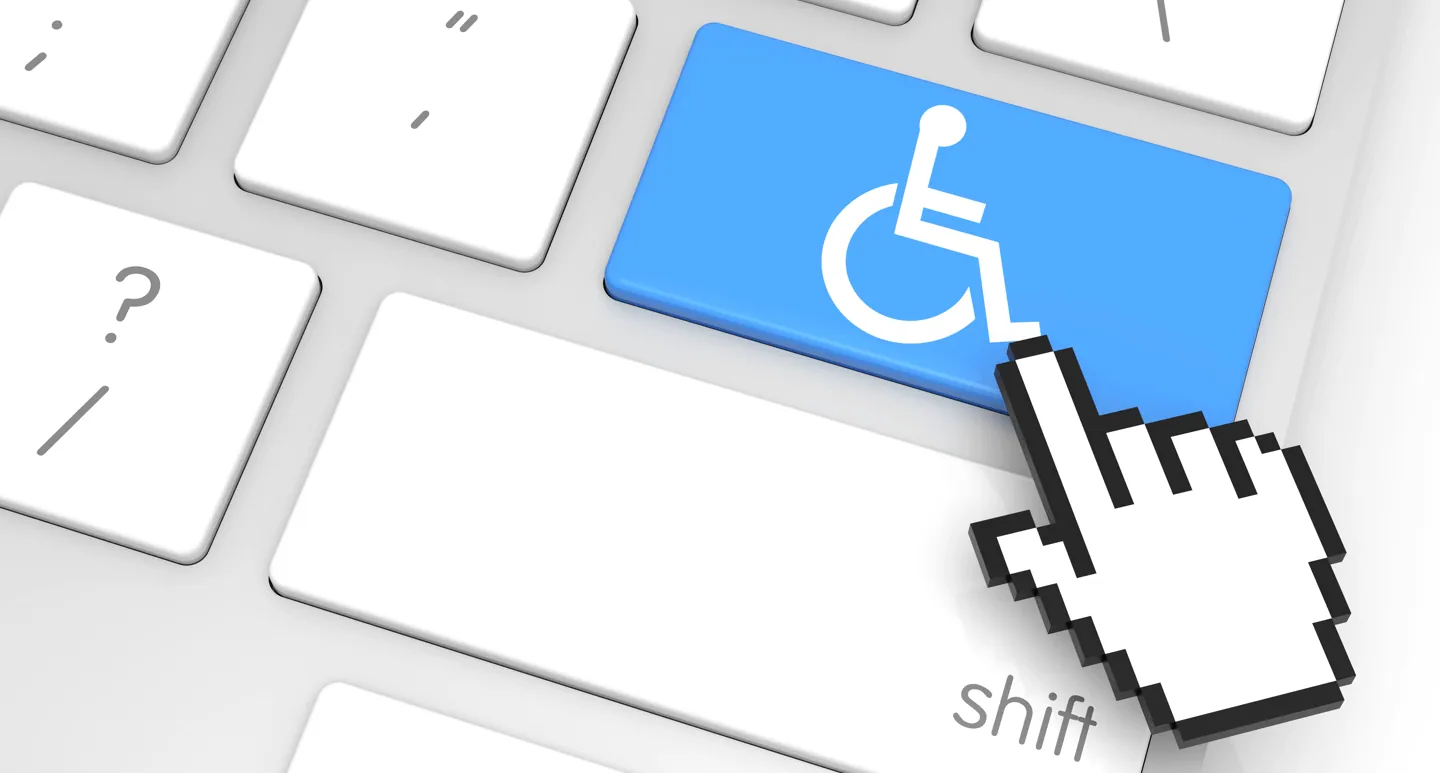
How to create a browsing experience that is accessible and comfortable for everyone
Who is website accessibility for?
An accessible website can help people living with a wide range of disabilities:
People who are blind, have low vision or are color blind.
People with hearing loss who need captions or a text alternative to audio content.
People with motor disabilities who use a keyboard or assistive devices instead of a mouse.
People who have difficulty reading, concentrating, learning or understanding complex information.
Older adults, users browsing in poor lighting and people with a temporary disability can also benefit from a clearer, more accessible website.
What are the key principles of an accessible website?
The WCAG guidelines are built on four core principles. Content must be perceivable, the interface must be operable, information must be understandable, and the code must be robust and compatible with assistive technologies.
In practice, an accessible website needs to address the following areas, among others:
Keyboard navigation
All links, buttons, forms and menus must be usable without a mouse. It is also important that users can clearly see which element is in focus at any moment.
Clear content structure
Headings should follow a correct hierarchy, menus should be clear and pages should be built in a logical way. A sound structure helps both users and search engines understand the content.
Alt text for images
Images that convey information should include suitable alternative text. This text helps screen readers understand what the image shows and pass that information on to the user.
Not every image needs a long description. Decorative images that add no information should be marked as such, so they do not create unnecessary noise.
Contrast and readability
Keep sufficient contrast between text and background, use a readable font size, and do not convey information through color alone. Make sure content stays usable when the user zooms in.
Accessible forms
Every form field needs a clear label. Error messages should explain what is missing and how to fix it. Do not rely on red color alone to indicate an error.
Video and audio content
When a video includes speech or important information, provide captions and, where appropriate, a transcript. That way the content can be consumed without sound.
Clear links and buttons
Generic text like “click here” does not always explain where a link leads. It is better to use wording that describes the purpose of the action, for example “View projects” or “Get a quote”.
Is an accessibility plugin enough?
An accessibility toolbar or plugin can offer useful options, such as changing contrast or enlarging text. However, a plugin alone does not necessarily fix problems in the site’s structure, code, forms, menus or content.
Professional accessibility work should start with the site’s foundations and be checked at the level of code and content. In many cases, manual work is needed alongside automated testing tools.
How does the website accessibility process work?
A structured process starts with scanning the site and identifying barriers. Next, the templates, interface components, forms, images and content are fixed.
Once the changes are made, the site should be tested with a keyboard, at different screen sizes and with the relevant assistive technologies. It is also recommended to publish a clear accessibility statement and offer an easy way to report accessibility issues.
Accessibility is not a one-time task. New pages, plugins, forms and design changes can introduce new problems. That is why accessibility should be part of the site’s ongoing maintenance.
Making WordPress sites accessible
On WordPress sites, it is important to choose a theme and components that are built correctly, keep a clean heading structure and avoid plugins that create inaccessible interfaces.
When developing a custom site, accessibility principles can be built in from the specification, design and development stages. This makes it easier to create a solid foundation and reduces complex fixes after launch.

Website accessibility with LM Web Solutions
At LM Web Solutions, we plan, design and develop custom WordPress sites with attention to sound structure, usability, performance and accessibility.
We can help audit your site, identify technical issues and implement fixes in the code, templates and content. When a legal review, expert opinion or certification from an authorized body is required, we recommend also bringing in a qualified accessibility consultant.
Want to check how accessible your site is, or build accessibility into a new project? Contact us and we will be happy to understand your needs and suggest the right solution.