Interactive quiz development: tips, key decisions and maintenance
An interactive quiz is one of the most effective ways to turn an anonymous visitor into a warm lead. Instead of a plain “leave your details” form, the visitor answers a few short questions and gets something useful back: a recommendation, a tailored offer, a calculation or an assessment. The business gets a lead that has already explained what it needs.
We have built quizzes like these for technology companies, agriculture, finance and clinics. This guide sums up what we learned: how to plan a quiz, what matters in development, and how to keep it working after launch.
What an interactive quiz is and why it works
An interactive quiz is a sequence of questions where each answer shapes what comes next, and at the end the visitor gets a result that fits them. It works because it turns your website from a billboard into a conversation. Visitors feel heard, and you learn more about them than a regular form ever could.
- More engagement: visitors who start a quiz stay longer and finish it when it is short and clear.
- Better leads: every lead arrives with its answers, so you can prioritise and prepare a focused call.
- Early screening: the quiz filters out unsuitable inquiries before they reach the phone.
- Audience insight: answers add up to a clear picture of what your customers are looking for.
Types of quizzes and how they are used
- Product finder: recommends the product or service that fits the visitor’s needs.
- Assessment quiz: gives the visitor a snapshot, such as retirement readiness or the state of their website.
- Calculator or ROI quiz: calculates cost, savings or return on investment from the visitor’s inputs.
- Lead screening quiz: makes sure the inquiry is relevant before the sales call.
- Survey or trivia: for gathering opinions, campaign engagement or shareable content.

How to plan a quiz that generates leads
1. Set one goal
A sales lead, a product recommendation, a webinar sign-up or survey data. A quiz that tries to do everything at once becomes long and confusing. The goal decides which questions go in and what the visitor gets at the end.
2. Write the questions before the design
Map every question, the possible answers and the paths: if the visitor answers this way, where do they go next. In many cases 5 to 8 questions are enough. Any question that does not affect the result or how the lead is handled comes out.
3. Decide what the visitor gets
The result is the reason visitors reach the end. A recommendation with an explanation, a calculated number, a short report or a tailored offer. Show part of the result before asking for contact details, so the request feels fair.
4. Build the user experience
- One question per screen, with large buttons that are easy to tap on mobile.
- A progress bar, so visitors know how much is left.
- A way to go back a question without losing answers.
- Ask for details only at the end, once the visitor has invested.
Development: plugin or custom code
For a simple quiz with one path and no calculations, a quality WordPress form plugin is perfectly fine. When there is complex conditional logic, calculations, a design that must match the brand, personal results or deep integration with other systems, we build the quiz as a custom component inside the site. That way it loads fast, looks like part of the website and does not depend on a plugin that may change in its next update.
Connecting the quiz to your CRM and marketing tools
The real value of a quiz appears when the answers do not stay in an inbox. Connect the quiz to your CRM, email platform or a spreadsheet, together with all the answers, the result and the traffic source. Then you can prioritise leads, send a follow-up email that matches the result, and measure in Google Analytics where visitors drop off. Simple connections run on Make or Zapier, and complex ones connect directly through an API. Read more on our automations and API page.

Quizzes and SEO
- Content Google can read: the quiz should be part of the page, not locked in an iframe from another site.
- A page with context: a clear heading, an explanatory paragraph and FAQs around the quiz, so the page ranks for the search that leads to it.
- Result pages: when results are fixed categories, a page for each one can become a landing page that ranks on its own.
- Speed: a heavy quiz hurts Core Web Vitals. Load only what is needed, and only when it is needed.
We build this as part of our SEO and GEO service, so the quiz helps both Google and AI answer engines understand the business.
Accessibility and privacy
A quiz is a form in every sense, so it must be accessible: full keyboard navigation, labels for every field, error messages that screen readers announce, and proper colour contrast. In Israel this means meeting Israeli Standard IS 5568. On the privacy side, collect only the data you truly need, ask for explicit consent, and link to your privacy policy. More on our web accessibility service page.
Maintenance after launch
Launching a quiz is only the start. Every month, check the completion rate and the step where visitors drop off, improve the wording of questions that cause friction, update results when products or prices change, and make sure the CRM connections still work after system updates. A maintained quiz gets better over time. A forgotten quiz quietly starts losing leads.
More quizzes we built
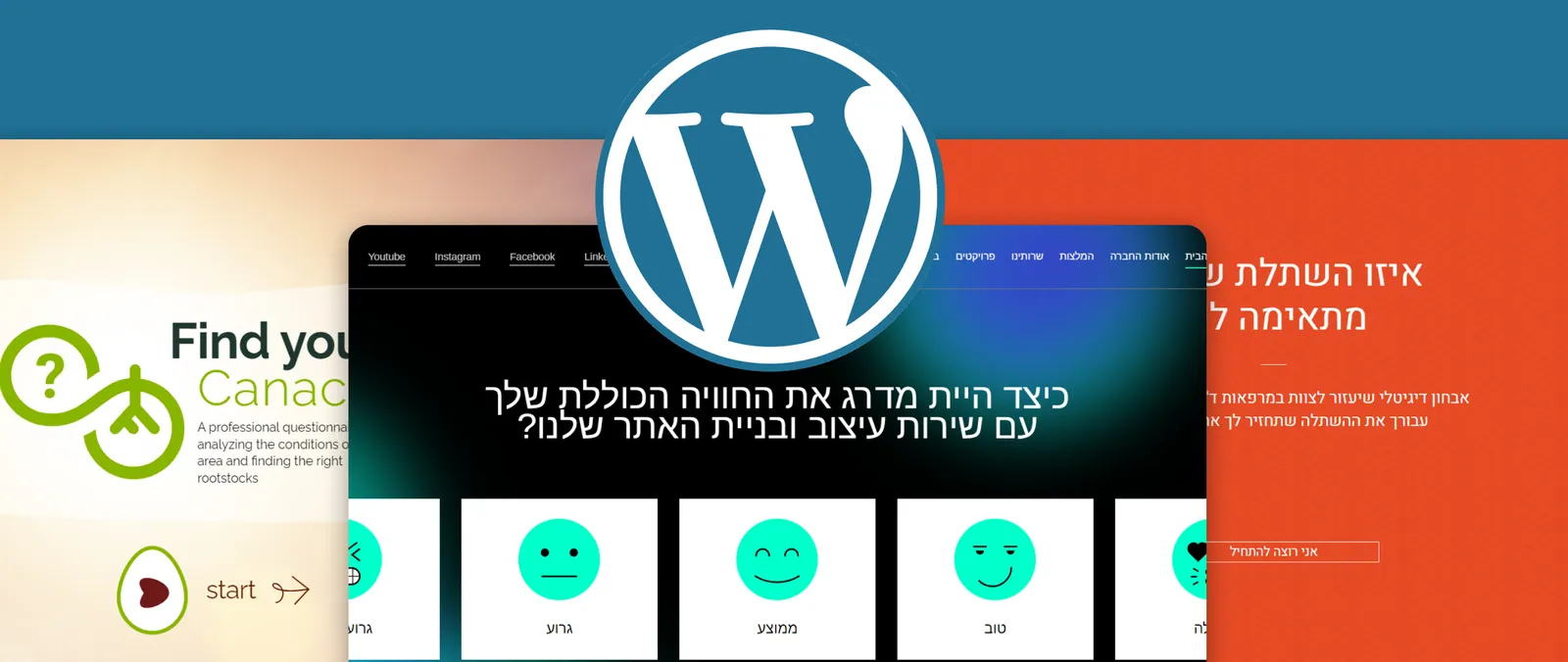
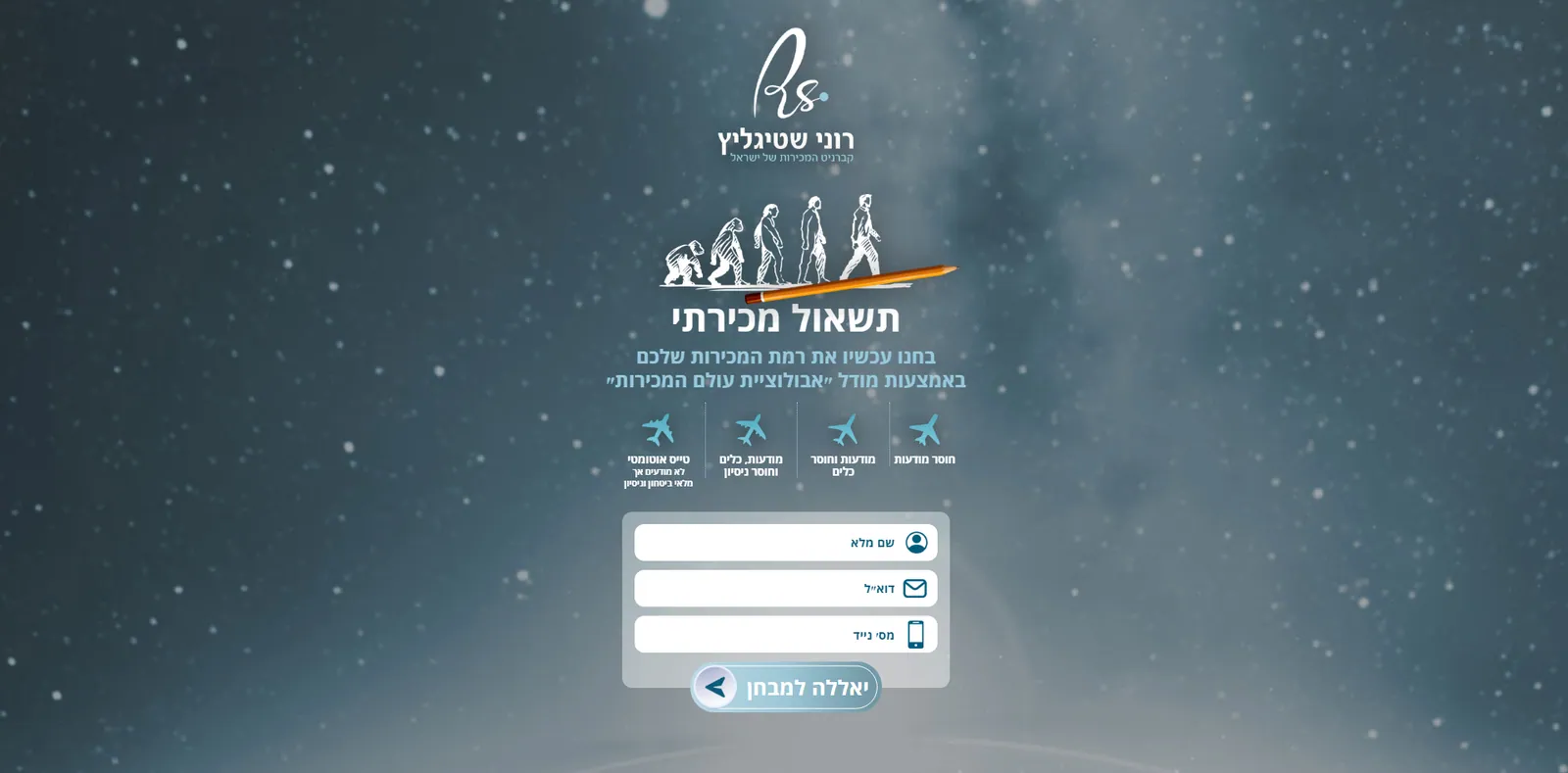
- Canacado: a quiz that matches an avocado variety and sapling to any soil, on a website in four languages.
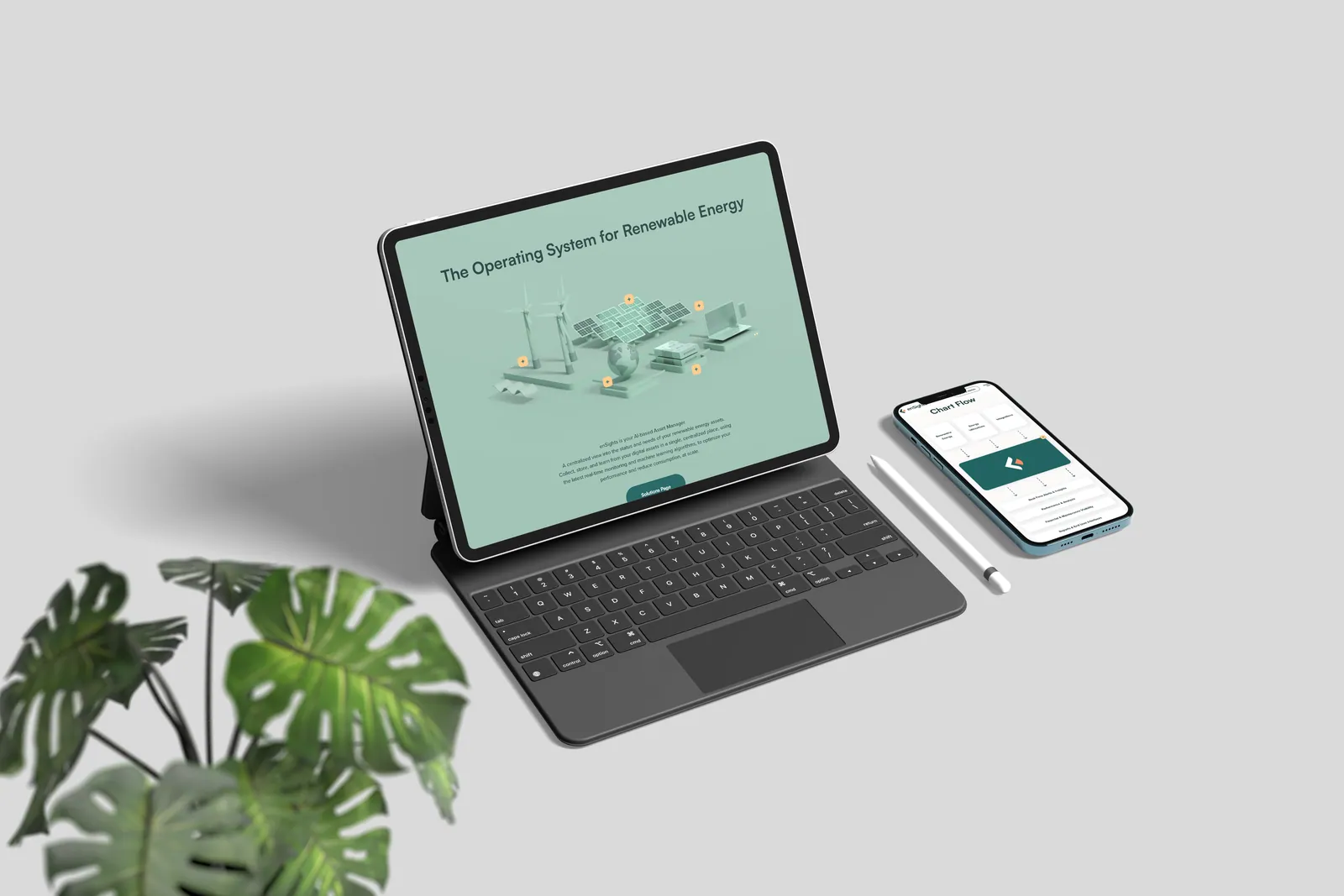
- Ensights.ai: an ROI quiz with logic tailored to the company.
- A smart quiz for a pension planning expert that screens leads before the first phone call.
- A personalised property search quiz for a real estate group, with a personal area for each agent.
Planning a quiz for your website, or want to improve one that is not bringing in enough leads? See the web apps and systems we built, or talk to us and we will map out the right flow together.
FAQ
A simple quiz with one path and one result usually goes live within one to two weeks. A quiz with conditional logic, several result paths and a CRM integration takes a few weeks, including planning, design and testing.
For simple quizzes a good form plugin is enough. When you need a design that matches your brand, complex logic, calculations, personal results or deep integration with other systems, custom development gives you full control, faster loading and less dependence on plugins.
A quiz increases time on page and engagement, and creates unique content. For Google to understand it, the content should be part of the page rather than locked in an iframe, with clear headings, explanatory text and result pages that can be crawled.
Send it automatically to your CRM or email platform, together with the answers and the result, so your sales team starts the call with full context. Collect only what you really need, ask for consent in line with your privacy policy, and store the data securely.