
Migrating from Wix to WordPress: everything you need to know
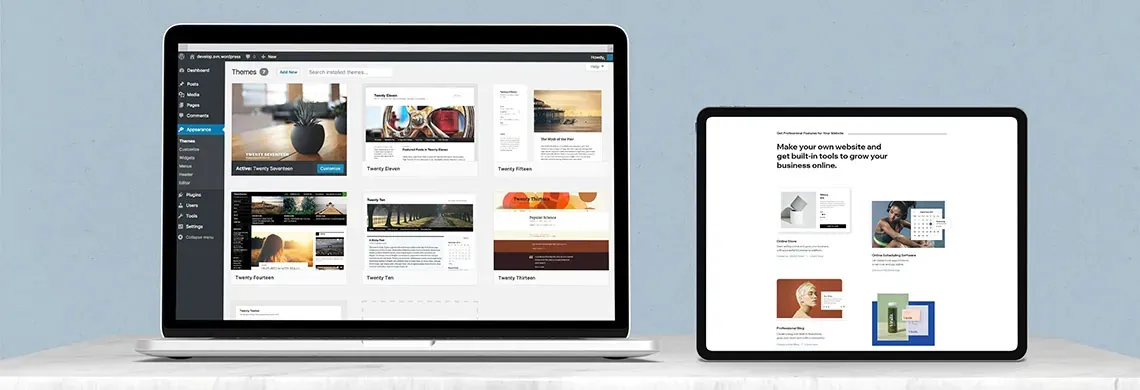
Migrating from Wix to WordPress:
everything you need to know
Many site owners want to level up and move their site from Wix to WordPress. WordPress powers about 33% of all websites, while Wix powers only 1%. The advantages of WordPress: it is open source, has an advanced interface, is easier to manage, and offers far more options and plugins.
Moving from Wix to WordPress can be a bit tedious if you don’t have the right experience. Still, the move brings many advantages, which is why so many people come to us at LM Web Solutions to handle it. So we decided to share our experience and explain the benefits of the move, the drawbacks, and the main differences between the two platforms.
Many site owners built their site quickly and on their own with Wix, and over time chose to move to WordPress for a few key reasons:
1. Their sites grew, their business moved forward, and it was time to play in the big leagues and expand what the site can do.
2. Wix doesn’t offer the wide range of solutions site owners need, because it is a closed-source platform. With Wix, for example, you can’t simply hire a developer to handle new requirements in a few hours of work, the way you can with WordPress.
3. WordPress sites are faster, easier to change, easier to optimize for search and manage, and offer more options and features.
WordPress vs. Wix:
the wisdom of the crowd
WordPress is an open-source platform that has been popular since 2003, thanks to its ease of use and active development community. As of 2021, it powers about 33% of all websites, more than any other platform, while Wix powers only 1%. WordPress adds more than 1.1 million new domains every six months. No wonder the keyword “WordPress” is searched about 2.74 million times every month. These numbers alone are a good reason to move your site from Wix to WordPress.

Moving from Wix to WordPress: the main reasons
Convenience: Things often go wrong in Wix, especially when you try to change or add something to the site, such as complex elements or a non-standard layout that requires custom code and design.
Major site changes: For example, adding a new online store or a large volume of content. In WordPress, with the right development, you can import a lot of content from external files, such as an Excel spreadsheet, at the click of a button. As for adding a store, the main drawback of Wix is that you can’t choose or switch your payment processor, so you can’t negotiate processing fees, and that affects your profit margins.
SEO: Moving to WordPress can help your SEO thanks to its many options. Most SEO professionals also prefer working with WordPress. We’d be happy to help.
Leave your details or give us a call:

Backups: who owns the code?
Wix offers backups too, but Wix owns the code and the template, and you can’t choose another hosting provider. WordPress, by contrast, makes it easy to switch hosting providers and back up your site.
Should you always move to WordPress, no matter what?
Like anything in business, a migration costs time, money or both. So moving from Wix to WordPress isn’t necessary in every case. If your site works well and serves its purpose, there is no reason to move. Each case should be evaluated on its own merits.
The main differences between
Wix and WordPress
These are two different platforms for building websites with nothing in common beyond their general purpose. Wix is closed source, while WordPress is open source. Wix is free to use unless you choose to pay for a premium plan or extra features. WordPress is also free, but it can involve higher costs: you pay for a domain, hosting, and often for plugins, features and other advanced website building tools. A Wix site shows ads on the free plan, while WordPress has no ads at all. In the end, site and business owners need to look at the ROI (return on investment, a measure of how efficient an investment is relative to its return).
Two ways to
migrate your site
You can migrate your site in 2 ways:
- Rebuild the site with the popular page builder Elementor. The rebuild is based on the existing Wix design, and the content is moved over manually.
- Develop the site from scratch, custom-made, writing high-quality code and implementing it in WordPress with custom fields. We recommend this approach for anyone whose budget allows it.
It is important to keep 301 redirects in place. That means keeping a spreadsheet that maps each old URL to its new URL. The developer then implements the redirects to preserve each page’s rankings.
Keep your 301 redirects in place. That means keeping a spreadsheet that maps each old URL to its new URL. The developer then implements the redirects to preserve each page’s rankings.
Migrating from Wix to WordPress:
let’s get started
LM Web Solutions has extensive experience migrating websites from Wix to WordPress.