Advanced web design tools

Today we all know for certain that a company’s website design affects how visitors make decisions, how they behave on the site, and the company’s conversion rates, leads and online sales.
A professional design process aligns the design and the message with the company’s target audience, with the goal of getting visitors to take action on the site.
In 2020, and for many years before, web design has become a profession in its own right. Companies, businesses and other site owners are no longer satisfied with a basic free template or a ready-made theme that comes with the website build.
Today, with tens of thousands of corporate websites, landing pages and digital business cards created every year, and countless mockups sent to clients for approval every month, a company or individual planning a new website has two main options:
1. Custom design:
A personal design process. After defining the vision and design style with the client, we present mockups based on the plan and narrow in on the right design direction for the client.
2. Template-based design:
Design based on one of the many templates (themes) offered by the various platforms, such as Wix, WordPress, Elementor and others.
To help you make sense of the field, we have put together an overview of advanced web design tools:
1. Adobe:
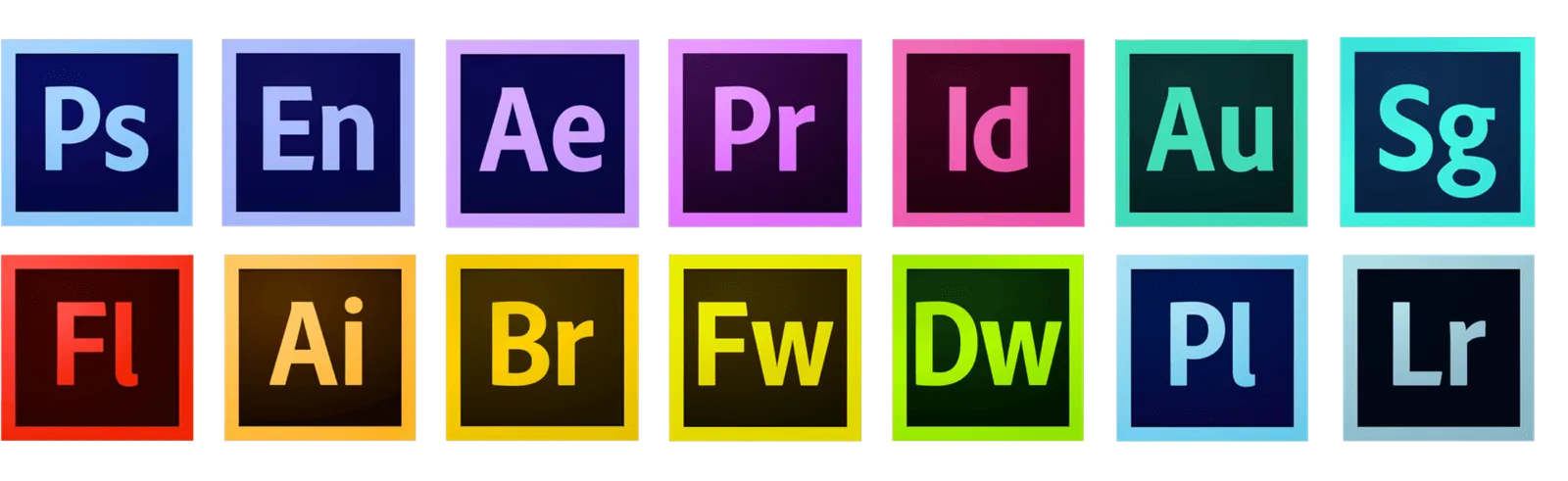
If you have heard anything about design, you have probably heard of Adobe, which offers a suite of software. Today most, if not all, of it can be used through the cloud.
What is in the suite?
Photoshop is used by designers in many fields, such as photo editing and retouching. In web design, however, most designers have moved on to more advanced tools. Designers who still use Photoshop for web design today tend to be veterans, or, some would say, designers who are hesitant to switch to tools they do not know.
New design tools keep coming to market, changing and evolving all the time, and designers need to keep learning new tools that can save them a lot of design time.
2. Sketch
Before we look at Sketch, it is important to point out that it runs on Mac only!
That said, Sketch also has a cloud platform that runs entirely in the browser and works on all major operating systems.
This means developers, managers and other stakeholders can view Sketch documents in their browser, inspect elements and even download production-ready assets from the designs.
So even if you work on a PC, this tool is worth knowing about.
What is Sketch?
Sketch is considered the leading design tool in the world for UX designers, and for good reason.
It solves countless problems in designers’ workflows and has itself brought about a fundamental change in the field.
One of the hardest parts of a designer’s job is working with developers, who are responsible for implementing the design handed to them. This is exactly what Sketch helps solve.
3. Zeplin
Zeplin is a tool that takes your design and generates code that is handed off for development. As if that were not enough, it even shows the color codes of the design (!) as CSS variables!
Today these features are considered state of the art in web design and development!
In professional terms, these are called “CSS Variables”, or Custom Properties, and they are supported natively by web browsers.
What does that mean?
During development, the developer defines the color code once and then uses only that variable. When the value is updated, the change applies across the entire site.
4. Figma:
Figma is the first collaborative design tool to make our familiar professional workflows significantly more efficient.
It also differs from other tools in that it does not require installing any software on your computer.
That’s right, Figma lets you work in the cloud, right from the browser, on any computer you like.
The company, Figma, was founded by Dylan Field seven years ago, with the goal of becoming for interface design what Google Docs is for text editing.
A great vision, backed by a convenient, excellent and very popular product.
Switching to Figma from any other tool is quick and easy. If you are looking for a different design tool and are not happy with your current one, we recommend trying it yourself.
Compared with tools like Photoshop, we personally recommend Figma for designing websites and other interfaces.
Other tools:
Beyond the tools above, there are other tools that let designers hand off their work to the developer who will build it into the site, and let clients view the design in full screen.
Tools we recommend include Marvel, InVision and Zeplin, mentioned above.
With these tools, the developer can access every element of the design and see how it is built and the CSS code needed for it.
Want to hear more?
We were happy to share these important tools with you!
For more tools, tips and ideas about web design and development, sign up on our site now!