
Building a website: how to do it right
Building a website:
how to do it right
Sometimes we need a website, whether it is a landing page, a corporate website or something else.
Beyond building a site with programming languages, there are what are known today as “page builders,” available on platforms you may know, such as Wix, WordPress and many others.
We have put together a focused overview of the leading page builders, with the key details you should know:
What is a page builder anyway?
And what is it for?
Page builders automate work and save valuable developer time, and in many cases designer time too.
A page builder is usually a plugin or a theme component that lets you build and design pages with minimal time and effort.
A page builder can be seen as a more advanced version of the familiar visual editor.
Page builders give you components for responsive page layouts in a grid or table view.
Why do you need one?
Page builders have many advantages. Here are the main ones:
Flexibility. You can change designs and structure end to end with minimal effort, using friendly interfaces built for people with no coding or design experience.
Time savings. Development is quicker and easier. With page builders you can use ready-made templates and widgets for many different purposes, instead of building them yourself or hiring a developer, which can take much longer.
Budget savings. Page builders obviously save on developer or designer costs. Depending on your needs, you can choose from a wide range of ready-made site and design templates.
No prior knowledge needed. Unlike programming and design, you do not need to know much about programming languages or design software. Page builders are easy to learn with no background.
To get fluent with page builders, you can find plenty of material on YouTube and Google and learn how to use them in a short time!
The main page builders
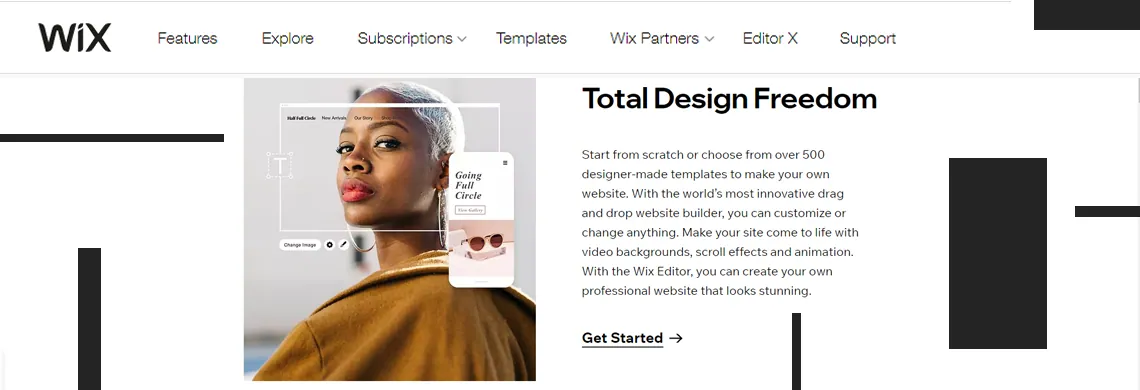
Wix:
Many people still do not know that Wix is an Israeli platform. It is closed source and offers a variety of design templates that use a built-in page builder, so you can easily change or upgrade any design to fit your goals!
Wix is essentially a website building platform with ready-made designs and many templates meant to help you build a site simply and quickly. It offers a range of buttons, icons and fonts, and even a domain of your own without buying a separate one, although you can of course connect the site to a different domain.
What is the catch?
- The downside of Wix is that it is a closed source platform with no ability to change the code, so you cannot host your site anywhere other than Wix. The design and look of the site are template-based, and ironically, Hebrew support is still not complete, so it is best to get help from a professional.
- Another small downside: because the whole platform is closed source and cannot be modified, its community of developers and designers is small compared to competitors such as WordPress.
WordPress:
WordPress, unlike Wix, is an open source website building platform. Almost one in four websites in the world is built on WordPress.
The advantages are clear. Compared to Wix, WordPress is open source, which means the possibilities are far greater.
The community of WordPress site builders is huge, and you can consult many people and professionals if you need help building your site.
Beyond that community, you can turn to YouTube or Google and find plenty of content to help you understand the platform more deeply.
WordPress also lets you work with a wide variety of themes and designs.
One of the most popular ways to work with WordPress is, of course, Elementor:
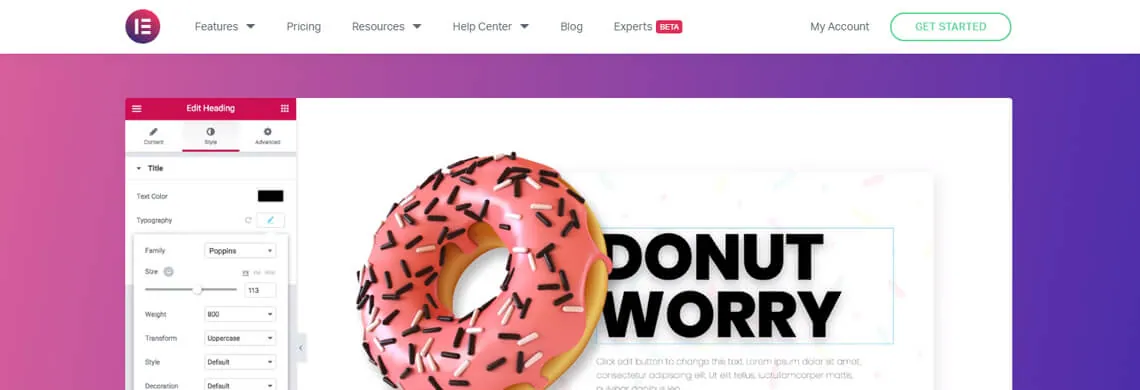
Elementor
Elementor is an Israeli company that created a range of templates and widgets for WordPress.
It fully supports Hebrew and even lets you build a site in several languages!
Most WordPress plugins work with Elementor and integrate with it fully!
In Israel, Elementor is probably the most popular page builder for WordPress, even though there are many others, while abroad it is considered less popular.
Elementor also has add-ons built by third-party companies that extend it with many more options, both free and paid.

Visual Composer
Like Elementor, Visual Composer is another page builder you can use with WordPress.
It is probably one of the first tools ever created for working with WordPress.
Many WordPress themes use Visual Composer, and the tool is still being actively developed.
Who is it for?
Visual Composer is designed mainly for English-language sites, where text naturally runs left to right.
It is less suited to Hebrew sites and may not integrate smoothly.
If you do decide to use Visual Composer for a Hebrew site, expect some adaptation work.
Other than that, it is a very stable, visual tool that will help you a lot when working with WordPress and building a site.
Visual Composer has plenty of built-in options, so you do not need add-ons as you do with Elementor. It is also more convenient for writing code, and many plugins integrate with it well.
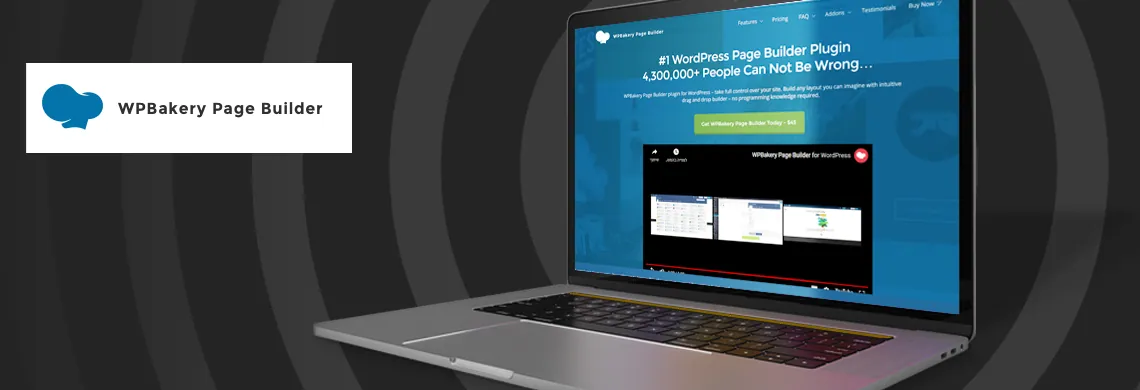
WPBakery:
Finally, WPBakery is considered one of the leading page builders in the theme market.
Roughly 30 to 45 percent of WordPress themes are built on it.
WPBakery has no free version, but it is an excellent tool that in most cases is well worth the price.
It is considered very advanced visually and lets you build a site in a sophisticated way that fits your goals.
This tool is also not 100% suited to building Hebrew sites, and it works best for English sites where text runs left to right.
On top of that, you will need a developer’s help to fully convert the site to Hebrew.
I want to learn more!
I want to learn
more!
That wraps up our look at the leading page builders and website building tools. Want to learn more about the world of web development?
Sign up on our site now, or follow us on Facebook!